Dehaze Landscape Photo for Clearer Mountains and Natural Scenery
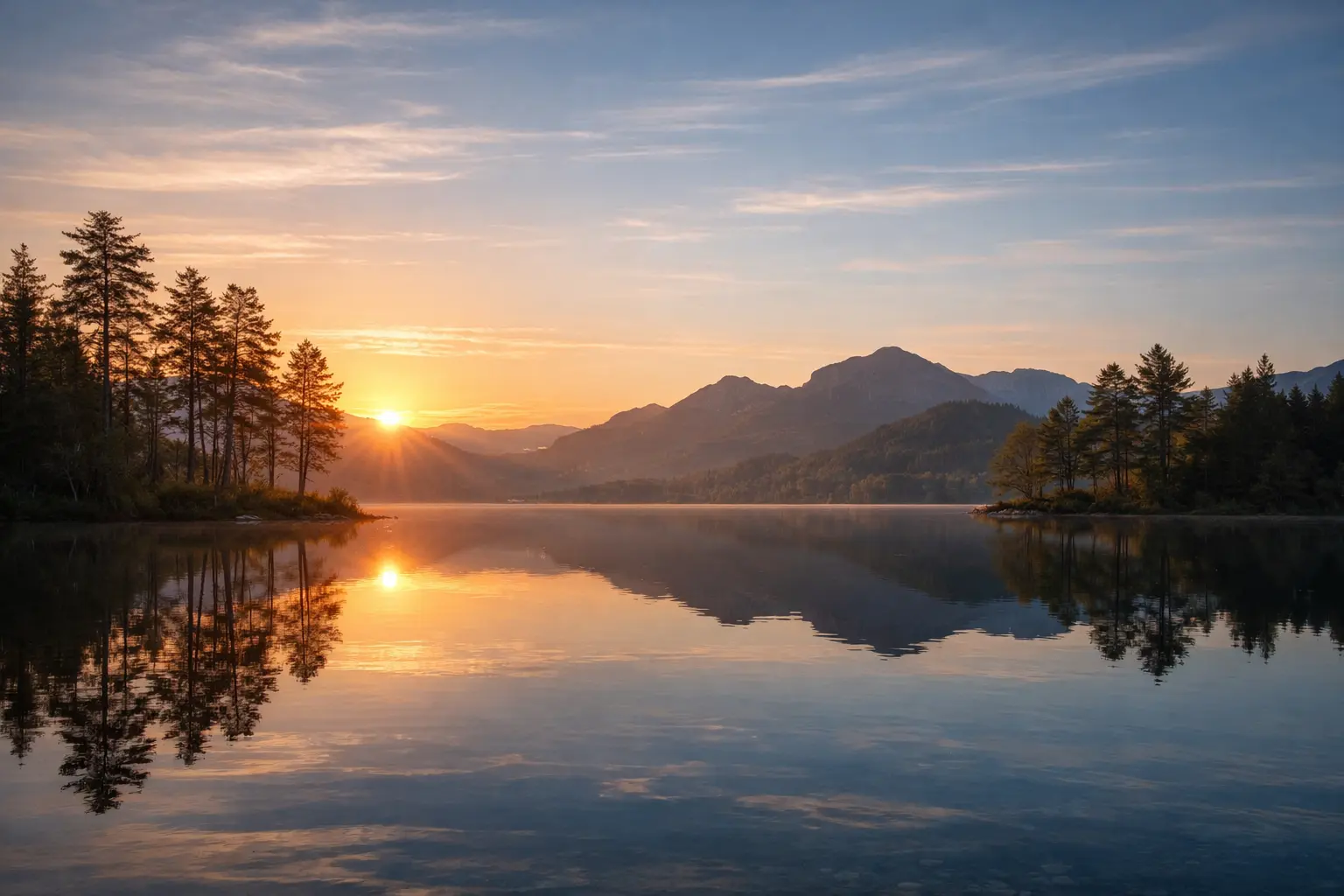
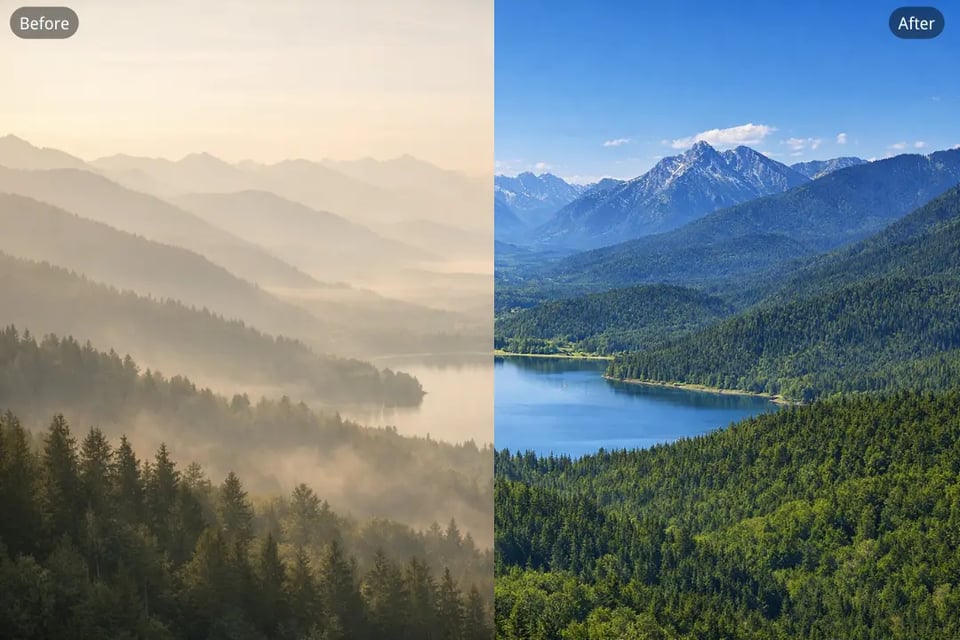
Mountain views, lakes, forests, and other scenic landscapes often lose depth when fog, mist, or atmospheric haze softens the background. Bylo.ai’s AI Dehaze Photo tool helps restore clearer terrain lines, stronger contrast, and more natural outdoor color so the whole landscape looks cleaner, sharper, and more visually open.
Remove Haze from Photo of City Skylines and Buildings
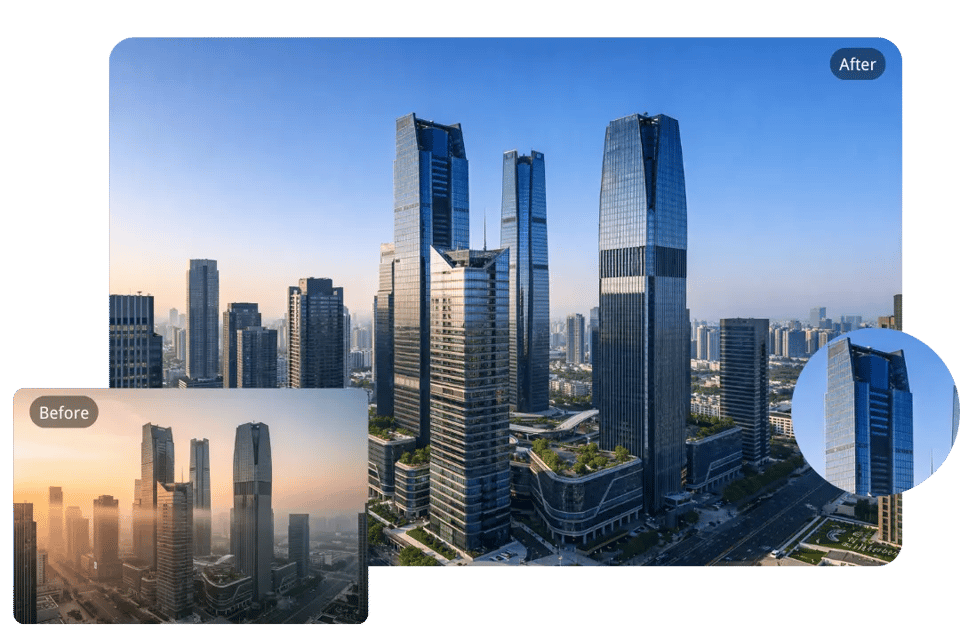
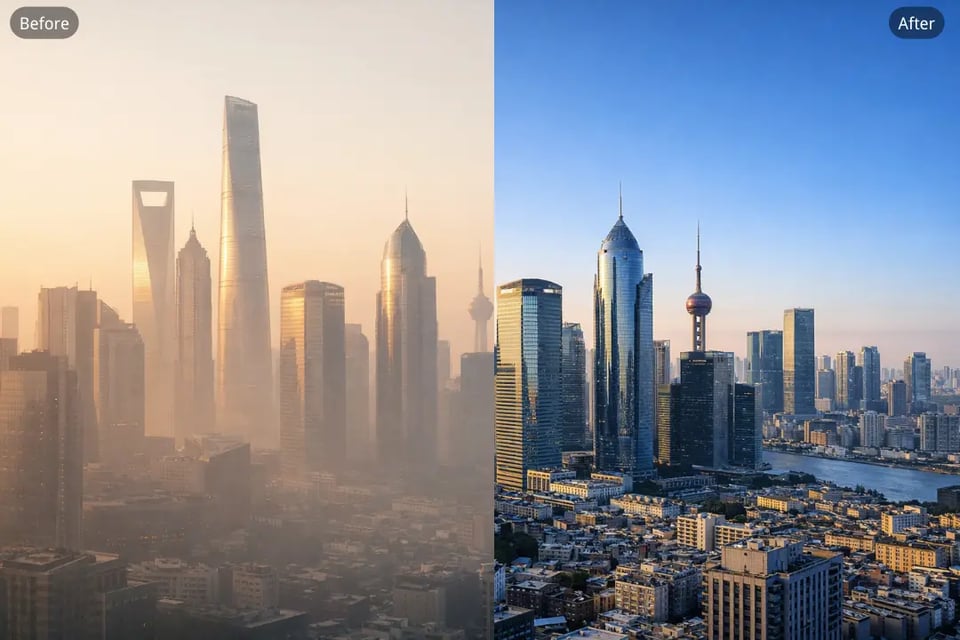
City photos taken in cloudy weather, light fog, or polluted air can look faded and low in contrast, especially around distant buildings and skylines. Our Dehaze Photo tool helps remove haze from photo details across architecture, windows, rooftops, and streets so urban scenes appear clearer and more defined.
Dehaze Travel Photo Taken in Foggy or Cloudy Weather
Travel images often capture meaningful places under less-than-perfect conditions, including misty mornings, cloudy afternoons, or humid outdoor air. Bylo.ai’s Dehaze Photo tool helps improve visibility and restore lost clarity so landmarks, roads, and surrounding scenery look more vivid while keeping the image natural.
Remove Haze from Photo of Roads, Highways, and Outdoor Routes
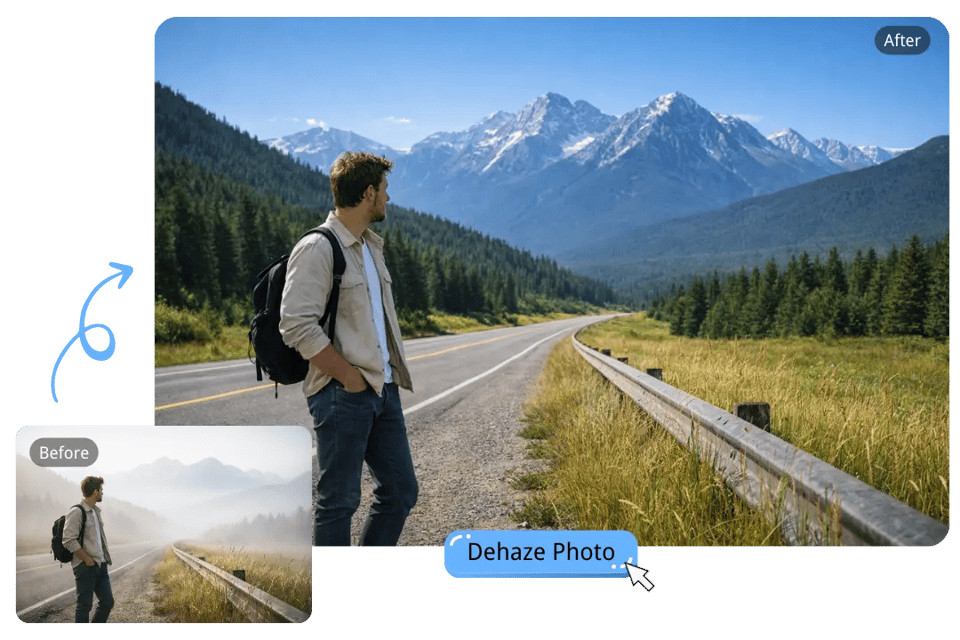
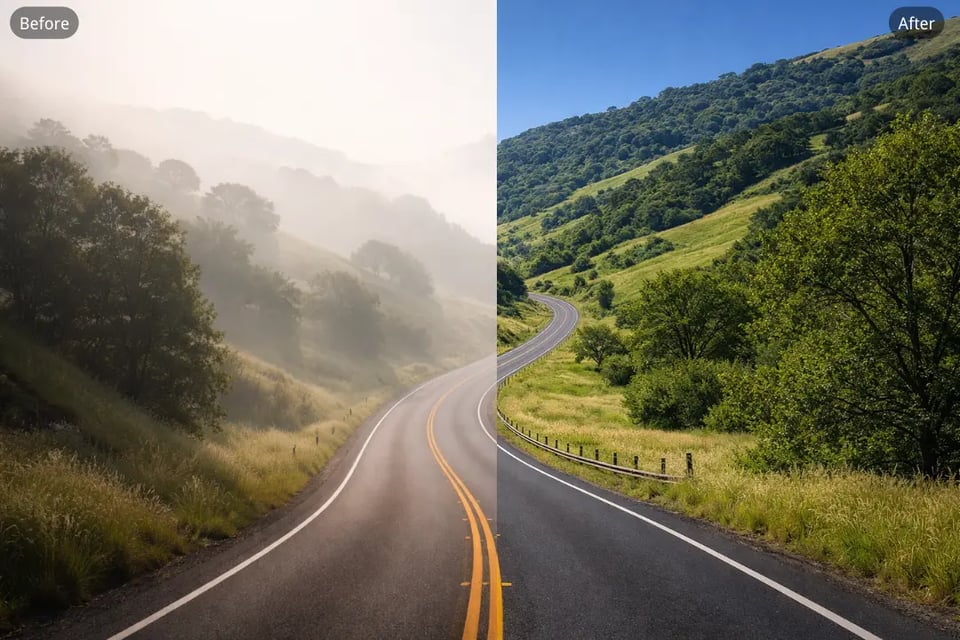
Photos taken on highways, mountain roads, or countryside routes can easily appear washed out when haze reduces distance visibility. Our AI Dehaze Photo tool helps remove haze from photo scenes like these by recovering road definition, background depth, and overall sharpness for a cleaner and more polished result.
Dehaze Photo of Lakes, Rivers, and Waterfront Views
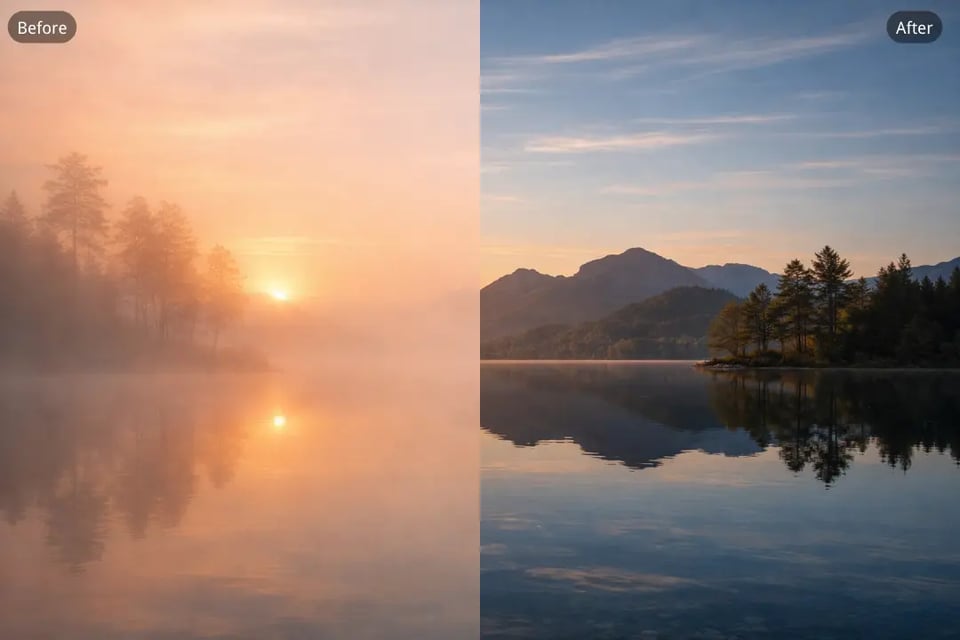
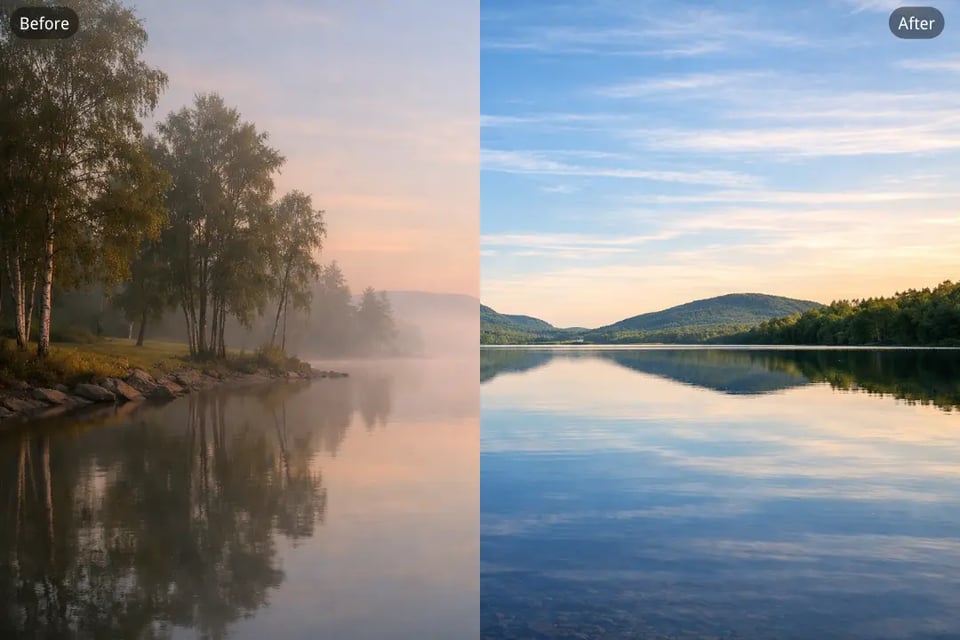
Waterfront photos often look dull when haze affects the sky, shoreline, and reflections on the water surface. Bylo.ai’s Dehaze Photo tool helps bring back clearer separation between water, land, and sky while improving contrast and color balance for a fresher, more vibrant outdoor image.
Remove Haze from Photo Backgrounds in Outdoor Portraits
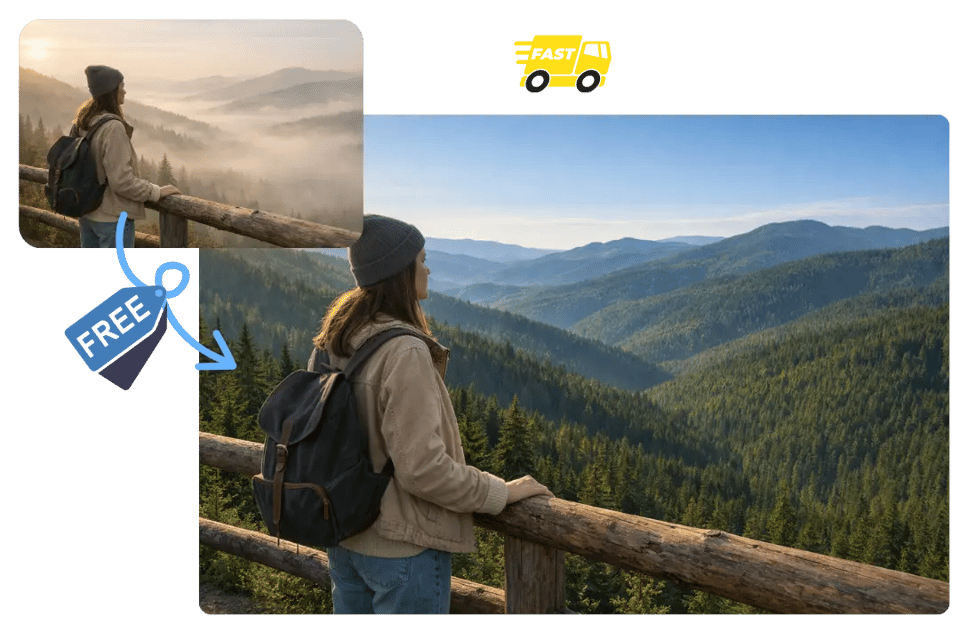
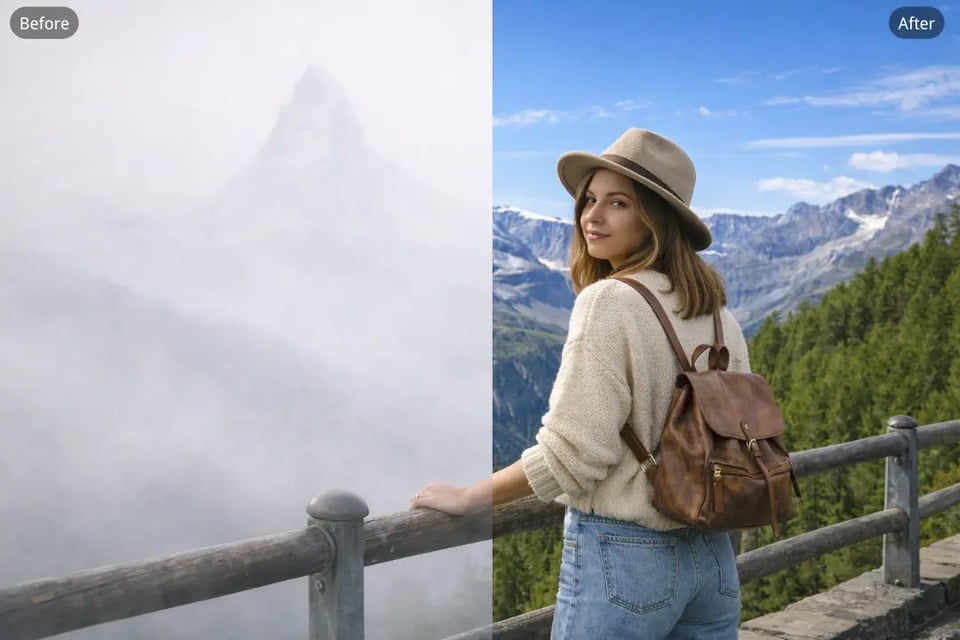
In some outdoor portraits, the person remains visible but the surrounding environment looks foggy, flat, or lacking in detail. Our Dehaze Photo tool can help remove haze from photo backgrounds so trees, streets, buildings, or distant scenery appear clearer, making the entire portrait feel more balanced and visually refined.